

Many people underestimate the importance of the logo. But logo creation is one of the most basic needs of any company or website. We understand not everyone is skilled in graphic design packages or can afford to pay one; we give you tips on how to create online logos
Why is logo so important?
The logo acts as the “face” of your business or website. It is a simple image that shows what your company or website does and can be used as a way to promote your brand both offline and online.
The logo also enhances the potential of your customers and partners as the first impression of your business. A well-designed logo helps build brand loyalty between you, your company and your customers, establish your brand identity and make your business or website more professional.
Rules for effective design
Here are some basic rules for designing logos:
– A logo should be simple. A logo with a simple design makes your brand recognized easily and allows the logo to be versatile.
– A logo should be easily remembered. By following the principles of simplicity, you will be able to create an effective logo, making it easy for customers to remember.
– A logo should be long-lasting. A logo should survive the test of time. It should be effective even after years.
– A logo should be versatile. It should be possible to work for various media and platforms, ranging from billboards to websites and T-shirts.
Tools to Create Online Logos
Here you will find some online tools to create logos for immediate use in an easy way, without having to pay horrors.
DesignEvo
DesignEvo is simple to use in the production of your free custom logo. It has over 4000 templates ready for editing, with the availability of various resources such as fonts, icons, and shapes. In this site, you can create high-quality logos in no time. Even those who have little knowledge of design can create amazing projects.

When you are done with your design, you have the option to download your logo in different sizes (Maximum 5000 px) and ready-to-use formats including JPG, PNG, PDF, and SVG. Only a few steps are required to create logos. So if you are not a designer, do not worry, your logo will not come out awful.
Crello

You can make logo online in a visual mode without hassle with Crello. This popular design tool ships with almost unlimited logo templates which are categorized by topic and style and will never let you run out of ideas. Crello will come in handy whether it’s a simple text, image, or even an animated logo. It also supports all ranges of fonts, shapes, and custom design elements. It won’t be exaggerating to say it’s one of the most professional and user-friendly logo generators on the market.
Logaster
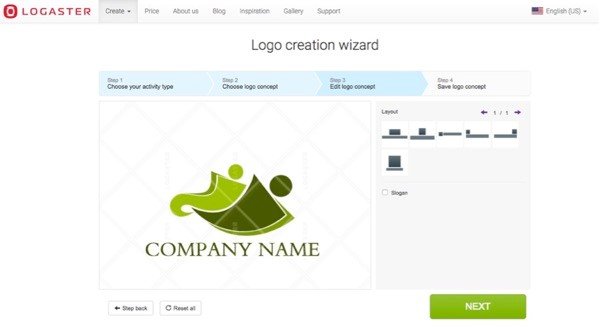
Logaster is another one of the best sites to create online logos. It gives your logo a professional look, and it is also possible to create business cards, envelopes, stationeries, and other projects that are always required for business primarily.
After entering your company name and choosing your activity type (optional), The service generates a hundred variants of logos that you can choose. If you have found a logo concept that satisfies all your requirements, you can just select and edit it based on your taste. You can quickly change the style of all logos as well as colours, text, and position.
LogoGarden
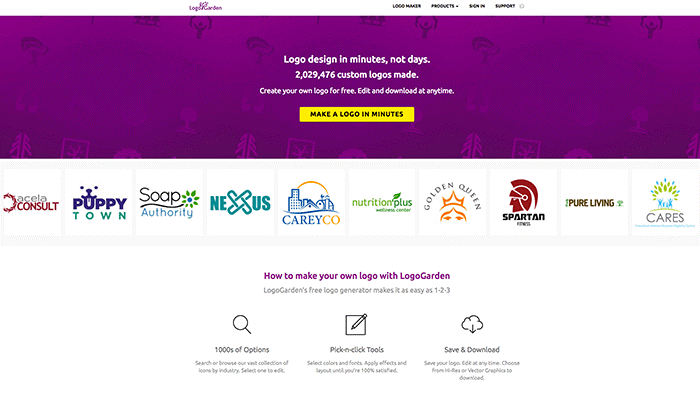
LogoGraden is another excellent online service for creating logos. Logo Garden allows you to create logos as well as business cards. By clicking on “Make your logo now”, you will be redirected to a page where you will select custom symbols, put your company name, edit font and colour, apply effects and layout until you’re 100% satisfied. When finished, you can save your logos in a variety of high resolution and vector graphic formats.
LogoGarden delivers necessary design tools, fonts, colours, and editing features so that you’ll have a winning logo design in minutes.
OnlineLogoMaker

The OnlineLogoMaker tool lets you design like a professional. It allows you to develop your logo in less than 10 minutes. You can choose from countless Logo templates and apply dozens of shapes and fonts to create your logos.
With OnlineLogoMaker, creating a logo is a simple and straightforward task, even if you are not a designer.
FreeLogoServices

FreeLogoServices can also be one of the easiest ways to make your logo. It is rich with symbols, texts, and icons. You can create a free logo by making some changes to suit the branding needs of your company.
If you like your logo design, you can pay $ 39.95. This brings you ten different logo file formats, which can be used for unlimited use.
LogoTypeMaker

LogoTypeMaker is quite powerful yet very easy to use. It allows you to customize colours, fonts, and sizes. You can upload your own image to use as well. They have a great number of clip arts that you can apply to take your logo to the next level and make it quite unique.
Colorcinch
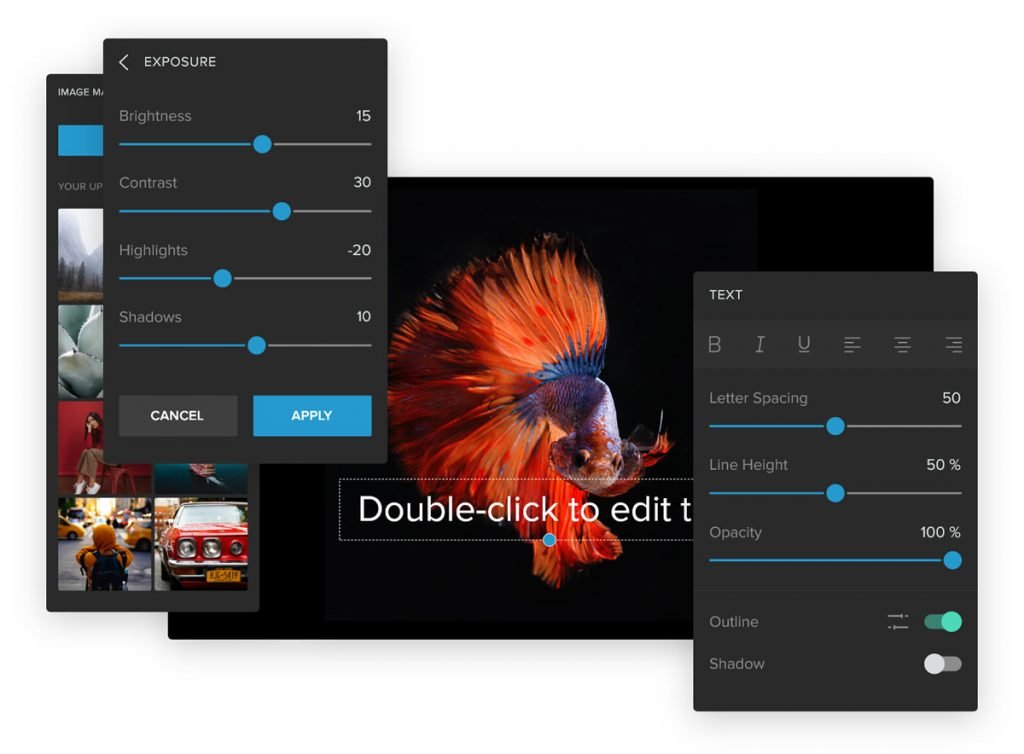
With its simple and intuitive UI, Colorcinch allows designers and non-designers to craft beautiful visual assets with just a few clicks.
The tool features a wide array of graphics & icons, stock images, masks, overlays, and hundreds of AI-powered speciality effects. It comes with a text editor and drawing tools that you can play around with. You can design customized graphics for your social media and blog posts as well as logos to represent your brand.
Conclusion
Creating an online logo today is not a very difficult task and can not only help you but also your customers. These are very simple but very useful tips. You can visit any of these sites and choose the one you like the most.
