

I have received several emails about the TECNO DroiPad 10 Pro II review. Having used it for some days, here is our review. The DroiPad 10 Pro II was released recently with the Recommended Retail Price pegged at 10,000NGN.
Design
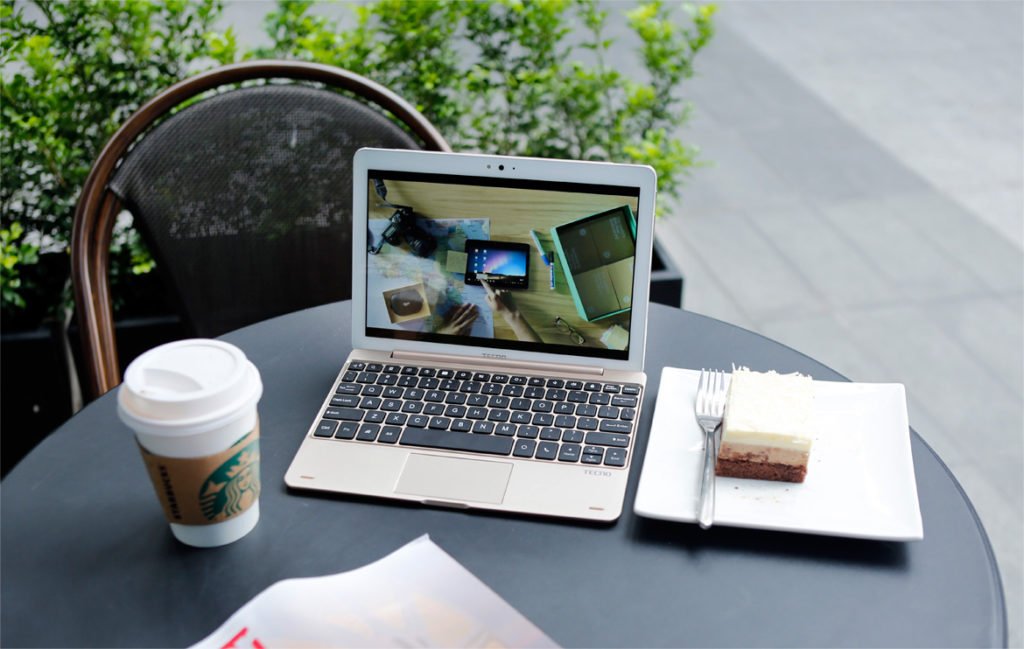
The tablet has a crisp and sleek body which sticks firmly to your hands when holding it. Like the WinPad 10 the tablet comes with a detachable keyboard which can be connected by Bluetooth pairing, the keyboard has an on-off switch by the side. The devices measures in size at 244*172.5*8.5mm and has a magnetic base which holds firmly the keyboard when it’s attached. The power and the volume buttons are on the right side of the device while the earphone port can be seen at the top.

Another interesting thing about this tablet is that it can be used to make calls as the dual micro-SIM slots can be seen at the left-hand side along with the SD card slot to expand the disk space. The charging port is slightly below the charging port while the speakers are located at the back of the device.
Display
The TECNO DroiPad 10 Pro comes with a 10.1 inches IPS touchscreen which provides a wide 170-degree viewing angle. This is a perfect screen size to work with your documents and sort out your daily activities online or watch your favourite movies whilst relaxing. The screen is totally responsive has it has a 10-point multi-touch display which gives you total control.
Camera
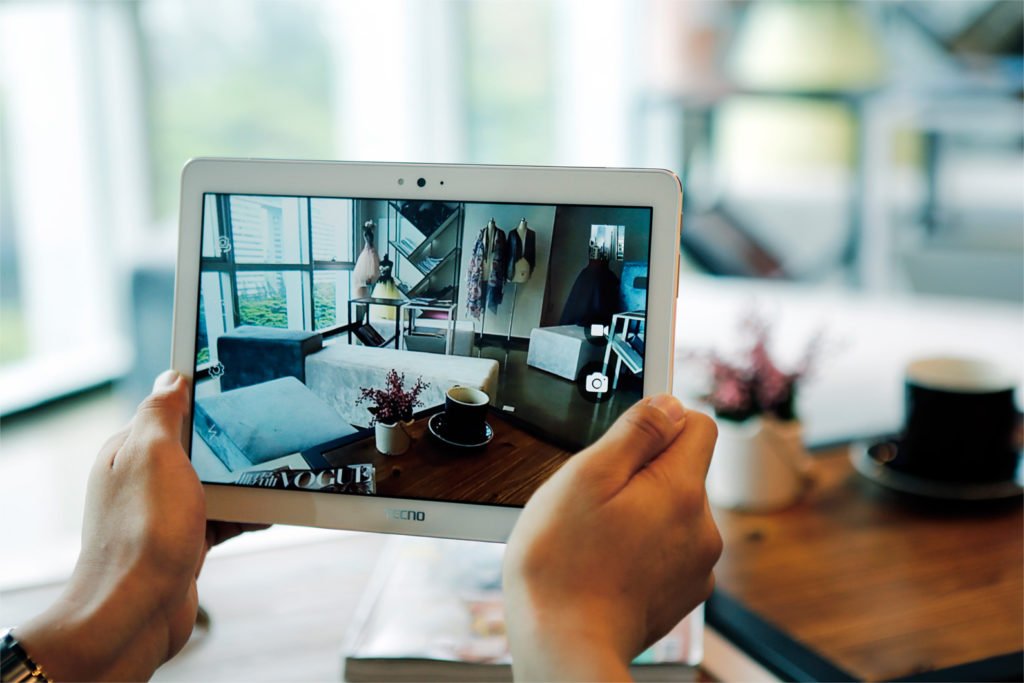
The DroiPad 10 Pro boasts two cameras. The 5MP rear camera comes with a LED flash light as well as the 2MP front camera. This is certainly an upgrade on the WinPad 10 with no flash light.
Memory and Processor
DroiPad 10 Pro is powered by the latest Cortex A53 64-bit Quad-Core, 1.3GHz processor and a Mali-T720 MP2 Dual-Core GPU. The tablet comes with a 2GB RAM which makes multitasking easy. The TECNO DroiPad 10 Pro boasts a 32GB internal disk space which is expandable further via the MicroSD card slot.
Operating System
This is certainly one of the unique selling point of this device as it runs on the awesome Android Remix OS by Jide Technologies. The Remix 2.0 OS gives this device a custom-desktop interface like the Windows whilst still maintaining its Android characteristics. With the Remix OS you get to use the normal Windows keyboard shortcuts such as Ctrl options and others which enables faster productivity. You also get to use different multitasking windows and see your sidebar notifications like the Windows 10.

Battery
The DroiPad 10 Pro comes with a mammoth 7000mAh battery capacity. The battery gives you 14 hours constant video playback and 13 hours web browsing at full charge.
Summary
The Remix OS and the wide 10.1inhes screen is really a game changer for tablet devices in the Nigerian market, it should also be noted that the device comes with dual SIM support which supports 4G LTE connectivity. The TECNO DroiPad 10 Pro is truly an awesome device which has got all your life in one.

Affordable and also a great style of design.
sleek to the core
Hi please how can I pair the keyboard to the tablet. The keyboard Bluetooth is not visible to the tablet. Tecno droidpad 10 pro
Hi Dignity,
Make sure the keyboard is charged. If its not charged, plug and connect charger. After this, put on the keyboard using the switch by the side. switch on the Bluetooth on the tablet, search until you see the keyboard, connect and pair together.
The keyboard is shown as a keyboard symbol in the pairing list. If you still do not understand, see this video https://www.youtube.com/watch?v=P7Qf5mhb6X4&t=3s
Thanks for your prompt response. However, I have followed the process as you explained it but the keyboard was not found.
I have seen the YouTube video before… In that review, the reviewer didn’t show how the keyboard was searched for and paired cos he has done that already before the review. All he did in the review was to connect it.
I think I can conclude that the keyboard that came with my device has a factory fault and I should start making efforts for it to be returned, if there is no other way of pairing it.
Thanks
Where did you buy it….are you in Lagos?
Konga online store. Am in Benin city. I called them already, they gave me the seller number, I called the seller who said he will find out and call me back but never did. Though konga said I should call them back if the seller is Unable to help. This is the first time I am buying a device with a factory fault.
Ok…..You could try to pair again, when you switch on the keyboard does it blink..like a blue light? If it does, try to search on the tablet again, make sure its close or fixed to the keyboard. Let’s see if it works.
When switched on it blink a blue light that quickly disappear. The tablet is fixed on the keyboard and start to search for it. At a time a even use my phone to search but nothing. I tried switching off and on again while searching but nothing…
Thanks
You are welcome, Let’s see if Konga helps.
Ooooooh so the keyboard is usually connected wirelessly?
Best brand for me, very stylish, durability is good, and the prices are reasonable and fair enough, Awesome phone and incredible that’s all I can say so when you’re looking for a phone get a Tecno.
Woah! 13 hours on the internet. The battery is a beast
Nice one here….big step up Teccno
Hi, is the MS Word, Excel and Power Point a fully functional Windows version?
It’s fully functional but it’s the mobile Android version.
I tried connecting to my other laptop in order to transfer some files but it kept indicating driver error. Is there something I should do?
How did you connect?
Mine can’t make WhatsApp calls and WhatsApp video calls and also skype calls and Skype video calks,whypls
Why? Can you install these apps?
Please how do I insert the two sim cards correctly? I was only able to insert the micro sim 2 correctly
Watch the YouTube video here: https://www.youtube.com/watch?v=6tnutTe-1io&t=30s
But they didn’t show me how to fix the Sim cards!
Sometimes it will boot for hours without opening the main menu. I have had to switch it off and power it on again before getting to the main menu. This should not be case. How can this fault be fixed
It’s easy to connect the keyboard, turn on the Bluetooth of the tablet and switch on the keyboard, after hold down the fn key on the keyboard whiles you press the Bluetooth symbol on the keyboard, the tablet will then begin to pair with the keyboard.
HELLO MY DEAR?? I have that kind of phone , how can i resolve this problem “”this device was reset to continue sign in with a google account that was previously synced on this device “”, I was reset, but I don’t remember it account can you help me please!!!! this is my email “”uweralucy1998@gmail.com””
my techno dro iPad 10
has broken screen and bad charging point please I want to know how much will the screen cost