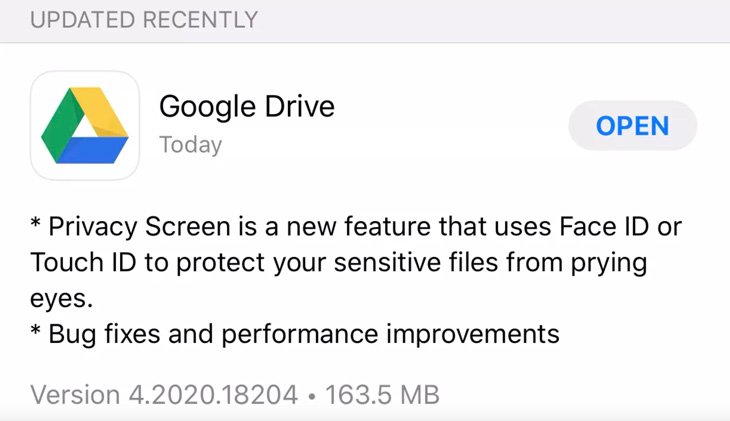
Google Drive is adding extra security features on its iOS and iPadOS app with the addition of Face ID and Touch ID. The app will prompt users to use either the Face ID or Touch ID before it can open, this is very important in protecting sensitive and important files.
The new Privacy Screen can be made active as soon as you navigate to another app on your device. It can also be delayed for 10 seconds, 60 seconds or 10 minutes so the app doesn’t require the extra security features immediately.
Related:
The feature isn’t 100% according to TheVerge. When it’s enabled on the settings screen it might not protect your Drive notifications, “certain” Siri functionality, files shared with the Files app, photos shared with the Photos app, and “other system functionality.”
The new Privacy Screen feature is available to everyone with the latest Google Drive update on iOS and iPadOS.