

Most people have probably been using WhatsApp on their computer through the WhatsApp web website, but now a proper desktop app has been launched. You do not have to open your website and type the URL anymore. Just launch the app on an internet enabled PC or Mac to start chatting anywhere.
This app is just an extension of the phone app not something that is different, according to the app’s blog page it mirrors conversations and messages from your mobile device.
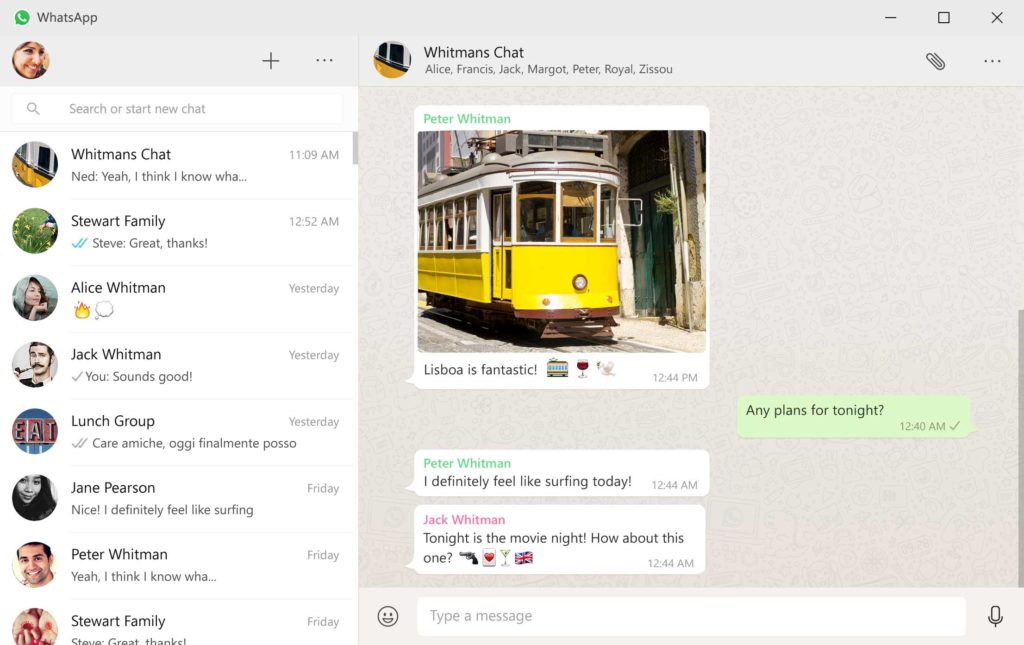 Photo credit: WhatsApp blog
Windows 8 and Mac OS 10.9 is the minimum requirement to use this app, since it runs on your desktop there will be more flexibility with notifications and keyboard shortcuts. Windows users can click here to download. Launch the app and look for web menu under Settings, scan the QR code like we wrote about here to see your chat interface in the app.

There is actually no difference between the Desktop App and that already existing Whatsapp web. Or is there?
You are absolutely right, they work the same way but there’s still a little difference. This one works like the app on your phone, there are more options to explore with keyboard and you get notifications even when you are not using the app as long as you sign in to the app and stay connected to the internet.