

What is adding passkey protection support for your chat backups. With passkey enabled, you can easily encrypt and access your chat backups with fingerprint, face, or screen lock code.
“Many of us carry years of precious memories in our WhatsApp chats – photos, heartfelt voice notes, and important conversations,” WhatsApp announced in a blog post. “That’s why protecting them if you ever lose your phone or need to transfer to a new device is so important.
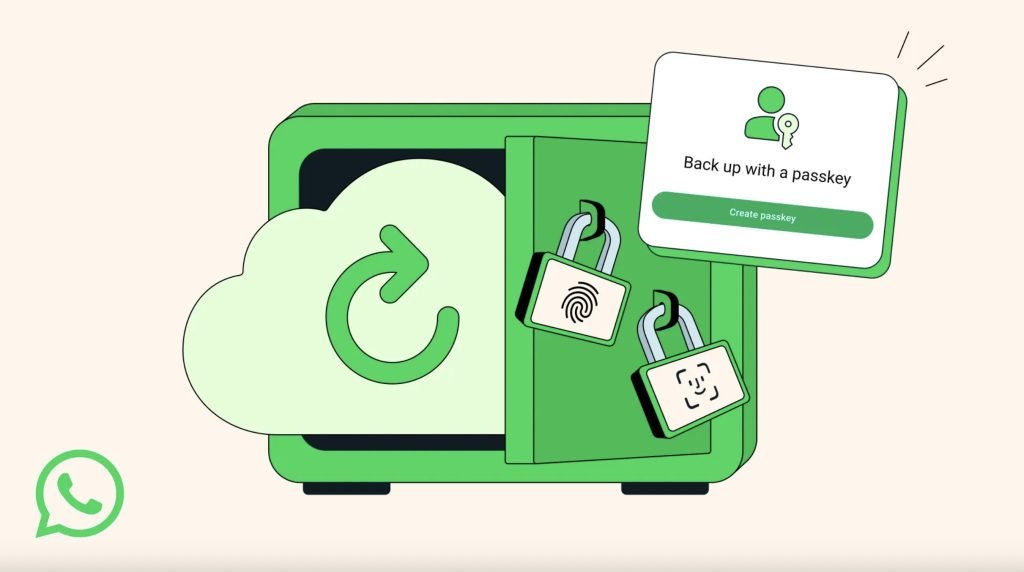
If you lose your phone or get a new device, you will be able to use any of the passkey-encrypted lock options to access and restore the chat backups. WhatsApp first introduced end-to-end encryption for chat backups in 2021, but this was only possible by using a cumbersome 64-digit encryption key or by memorising a password.
To use passkeys to encrypt your chat backups, go to Settings > Chats > Chat backup > End-to-end encrypted backup. Once you have updated your WhatsApp for Android or iOS, you will find the passkey option.
The company says the feature is gradually rolling out “over the coming weeks and months.”
